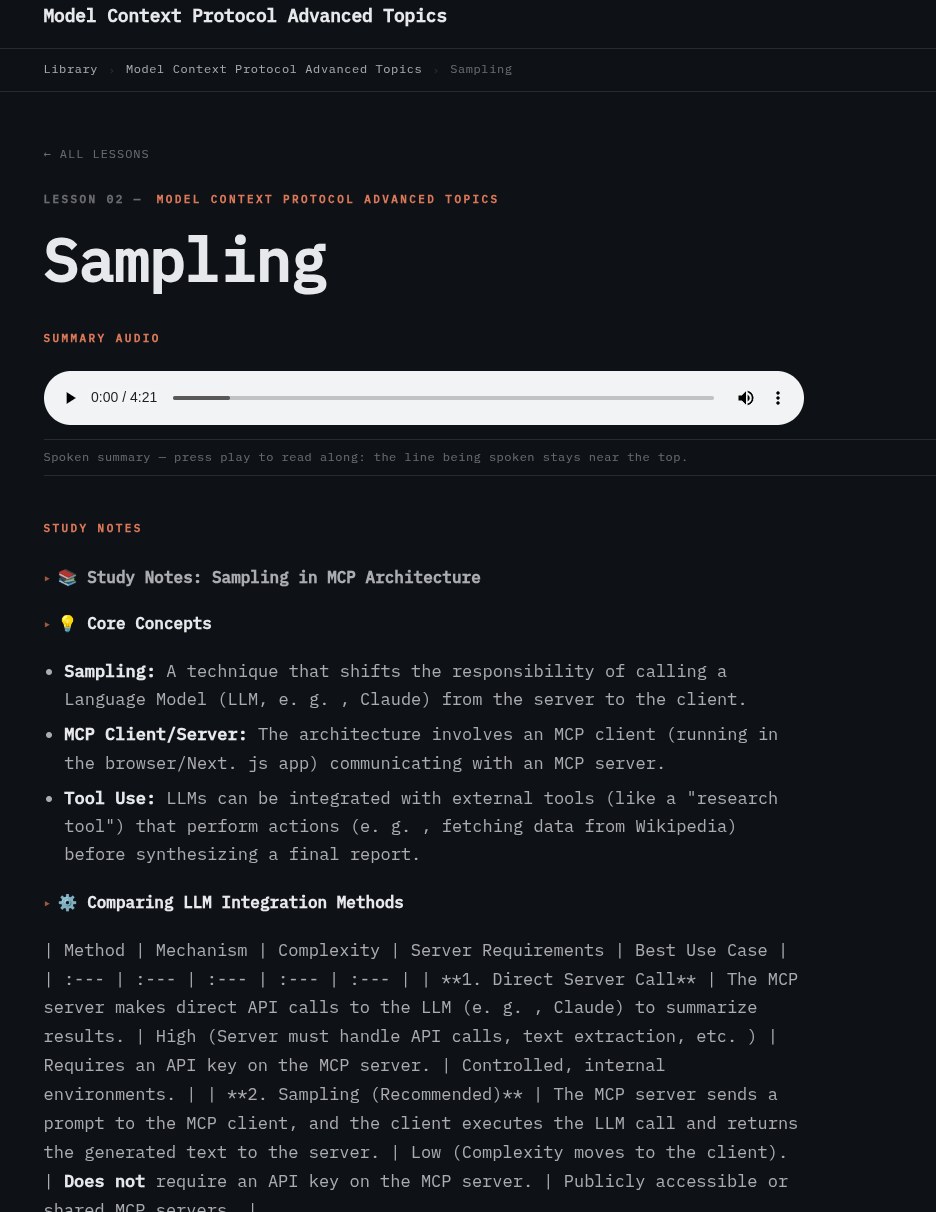
A single video in — a full lesson page out: notes, a read-along audio summary, and a quiz, all generated and laid out by the companion itself.
You watched a video once. This tool watched it, wrote it down, explained it, quizzed you on it, translated it seven ways, and read it back to you in a voice — then built the very page you are reading now, in exactly the same way.
A single video in — a full lesson page out: notes, a read-along audio summary, and a quiz, all generated and laid out by the companion itself.
The Learning Companion takes a video course that exists in exactly one language, behind a login, in a format you can only watch — and turns it into something you can read, search, translate, listen to, and study from in the language of your choice. It is an assembly line for turning a person talking on video into a durable, multilingual, accessible study resource.
You give it a course. It gives you back clean written study notes for every lesson, a comprehension quiz, the whole thing translated into German, French, Dutch, Hindi, Mandarin Chinese, and even Klingon, and a read-along audio track in a human-sounding voice that highlights each word as it is spoken. Then it publishes all of that as a fast, static website.
Think of it as a factory line. Material enters at one end raw and leaves the other end finished. Each station does one job and hands its result to the next.
The source courses live on a hosted learning platform, where lessons are either streamed videos or written pages. The tool logs in, discovers the lessons, and pulls the source. It downloads the underlying video stream directly, or scrapes the written lesson text where a course is text-first.
Each video’s audio is fed to a speech-recognition model running locally on a graphics card. It produces a time-stamped transcript: not just what was said, but when. Every phrase is pinned to a moment on the timeline. Those timings matter later, when words are lined up with audio.
A raw transcript is faithful but exhausting to read. A language model rewrites each transcript into structured study notes: the key ideas, in clean prose, organised the way you would actually want to revise from. This is the difference between a wall of speech and a set of notes worth keeping.
From the same material, the tool generates a short comprehension quiz for each lesson, ready to export into flashcard apps. The questions test the ideas in the lesson and are written to stand on their own, with no references back to the speaker or the video.
Every piece of text — the notes, the quiz, the page furniture, and the lesson and course titles — is translated into each supported language by language models. Translation happens in layers, so brand names stay intact while descriptive text adapts, and so a missing translation falls back gracefully to English rather than leaving a blank. Low-resource languages such as Klingon get an extra-firm instruction, so the model does not quietly drift back into English.
This is the part people find uncanny. A voice-cloning model generates a read-along audio track for each lesson in each language, in a consistent human-sounding voice. Alongside the audio it produces a timing file, so as the voice speaks, the matching word lights up on the page — a kind of karaoke for studying. Klingon is the exception: it has no neural voice, so its audio is stitched together from a library of recorded Klingon sounds. Best-effort, and a little robotic by nature.
All of this is rendered into a plain, fast website: one set of pages per language, shared styling and scripts, a catalog that ties the courses together, and lightweight, privacy-respecting usage analytics. There is no database and no server-side code at run time — just static files that load instantly and can be hosted almost anywhere.
Behind the scenes the tool keeps three tiers of files. The masters — transcripts, lossless audio, and source notes — never leave the build machine. The scratch tier holds working files that can always be regenerated. And the finished site is the only thing that gets deployed. When a build is ready, just the published site is handed to the hosting infrastructure and goes live. The valuable raw material stays home.
A few principles shaped the design:
You watched a video once. This tool watched it, wrote it down, explained it, quizzed you on it, translated it seven ways, and read it back to you in a voice — and then built the very page you are reading now in exactly the same way.